GyroCam / The orientation-aware camera

A new turn.
A new perspective.

Life doesn't stay in one orientation. GyroCam gives you different ways to handle portrait, landscape, and the tilt in between while recording on iPhone and iPad.

GyroCam app icon: an orange G framed by viewfinder corners, sparse dial ticks, and a recording lightGyroCam app icon: an orange G framed by viewfinder corners, sparse dial ticks, and a recording light
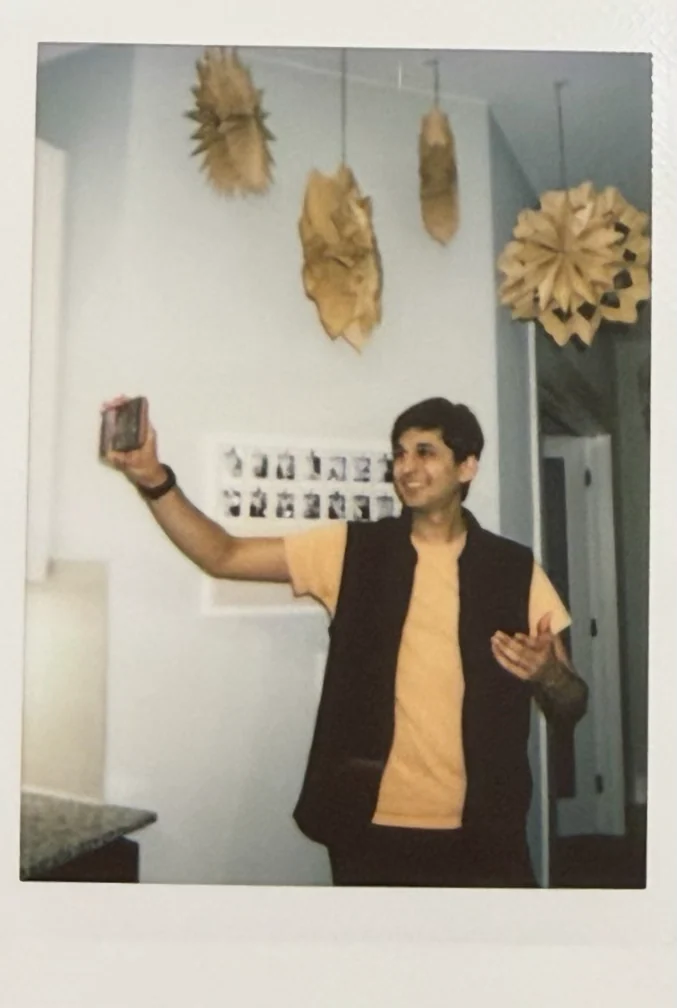
A Polaroid of Fayaz smiling with his arm raised, holding his phone out to film himself with the rear camera
Phone up. Story on.That's me, vlogging with the rear camera.

Orientation-aware recording

Flip your phone.
Not your story.

Turn from landscape right to landscape left. GyroCam handles the orientation change while keeping one continuous video.

Landscape right landscape left. One recording.

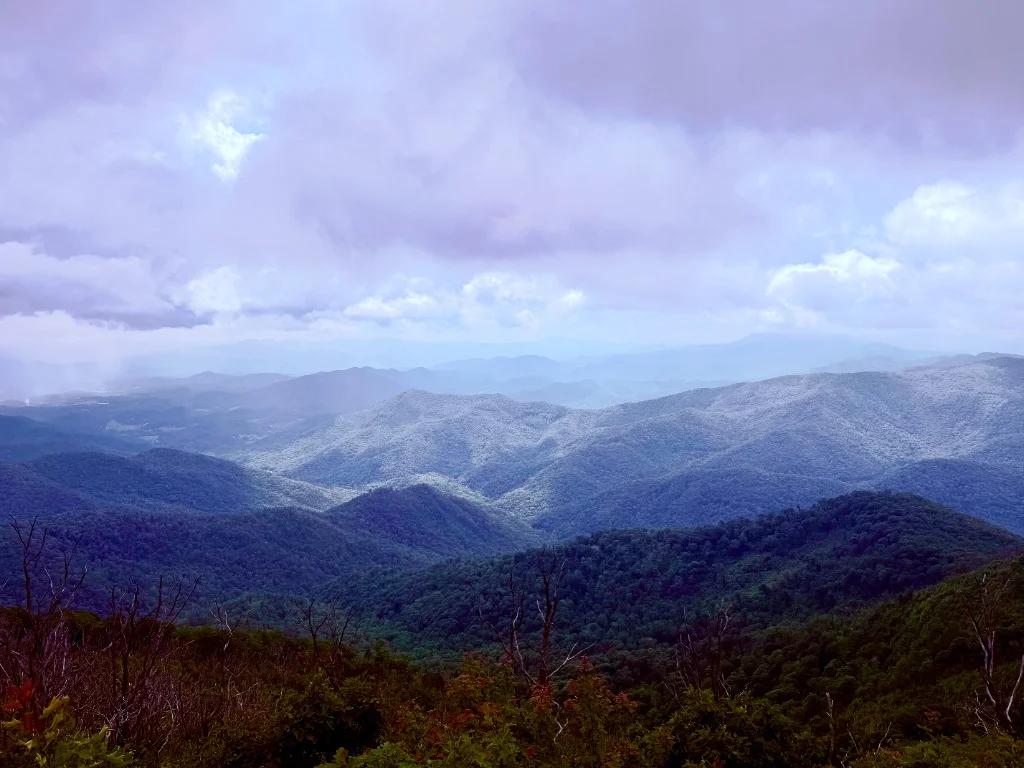
Landscape photo by Fayaz. The rotation is illustrated, not recorded footage.

  1. 01

    Start in landscape right.

    One recording begins.

  2. 02

    Now turn the phone over.

    Without orientation correction, the picture would be upside down.

  3. 03

    GyroCam turns the picture back.

    Seamless corrects orientation during capture, not in a later edit.

  4. 04

    One video. The right way up.

    Landscape right to landscape left. Not sideways. Not upside down.

Illustrative explanation, not a live app preview. The upside-down step shows the problem without correction, not an intermediate saved clip. Seamless corrects orientation during capture. Portrait footage can be letterboxed; framing depends on your capture settings.

Now meet Horizon Lock

New / Horizon Lock

A little tilt.
A level picture.

Not every turn is a half-turn. Tilt the phone just 10 degrees and Horizon Lock counter-rotates the image to keep the scene upright. It follows the small angles, not just portrait and landscape.

The result is a fixed landscape video. A deliberate crop gives the image room to rotate without leaving empty corners.

Get to know Horizon Lock

Cropping reduces the field of view and may upscale the image. Roll correction is not a replacement for a gimbal: it does not remove walking shake or changes in perspective. Availability depends on app version and capture configuration.

The phone tilts. The picture stays level. This illustration uses a cropped landscape frame, not a live app preview or a measured accuracy test.
10° device tilt

Less guesswork. More recording.

A little setup.
Then your moment.

  1. 01 / Set up

    Start with the frame.

    Choose your camera, resolution, and frame rate. Enable Horizon Lock before recording if you want a level landscape canvas.

  2. 02 / Record

    Find your perspective.

    Check the preview and start recording. Your framing settings determine how orientation changes are handled.

  3. 03 / Keep

    Make it yours.

    Finish recording, let any required processing complete, and review the result in Photos.

Explore all the features

Your camera. Your controls.

Same moment.
Make it your own.

Focus

Let autofocus follow the scene, or take control of focus distance yourself.

ISO & exposure

Choose automatic exposure or set ISO manually for the light in front of you.

Zoom & Zoom Lock

Frame with the zoom slider, then lock it to avoid accidental changes.

Camera & lens

Choose the perspective that fits: front camera or an available rear lens.

Torch

Add continuous light when the selected camera has a torch.

Resolution, frame rate & HDR

Balance detail, motion, and dynamic range with supported capture settings.

Cinematic & aperture

On supported configurations, set the Cinematic depth effect before you record.

Audio

Built-in microphone selection follows the active camera; external microphones stay external.

Available capture options depend on your device and app version.

Explore the pro controls

The person behind the camera

Built by me.
Better with community.

I'm Fayaz Shaikh, the developer behind GyroCam. I won the 2025 Swift Student Challenge with this project, and the app has kept evolving since then.

Building an app is one part of the story. Taking it out into the world, sharing it with other developers, and meeting people who support what you're making is another. Here are a few moments from my time around WWDC in 2025 and 2026.

Follow what I'm building
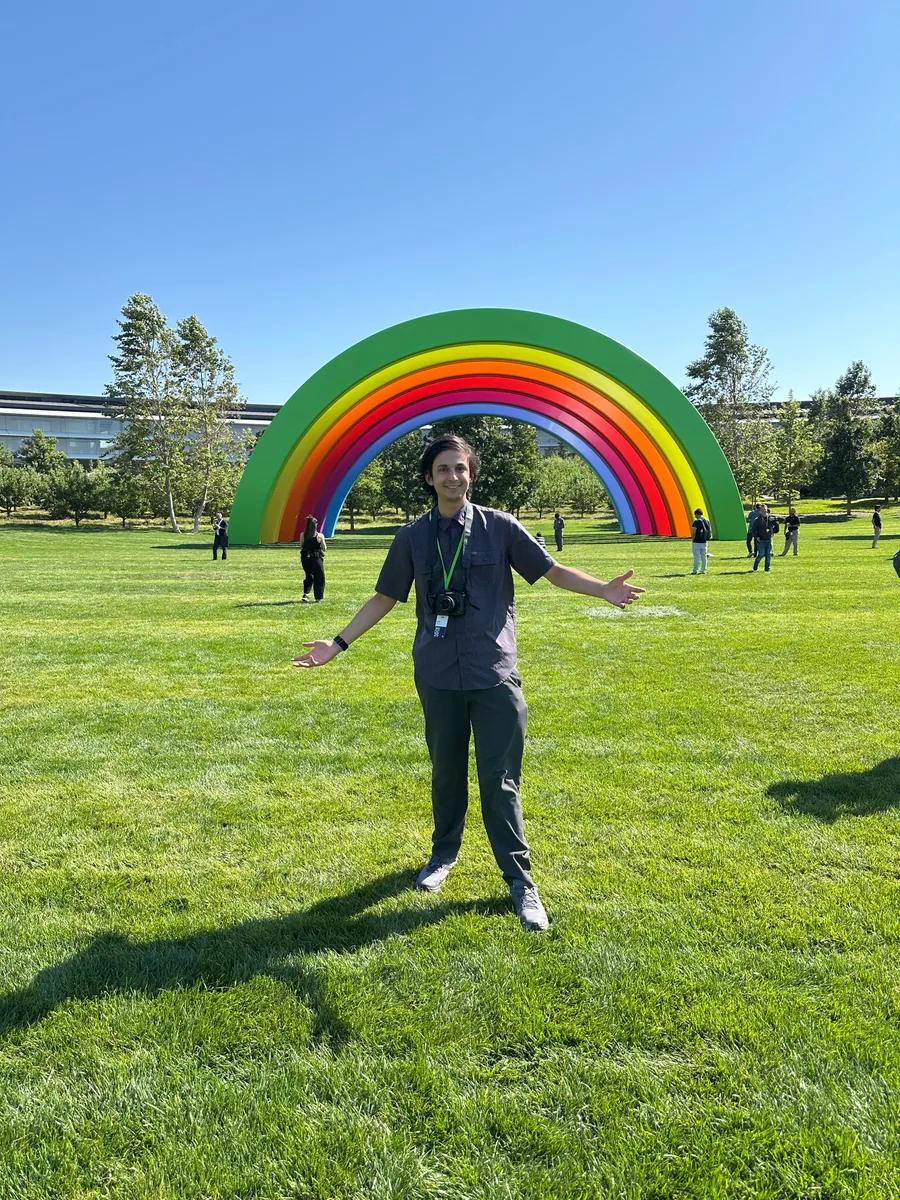
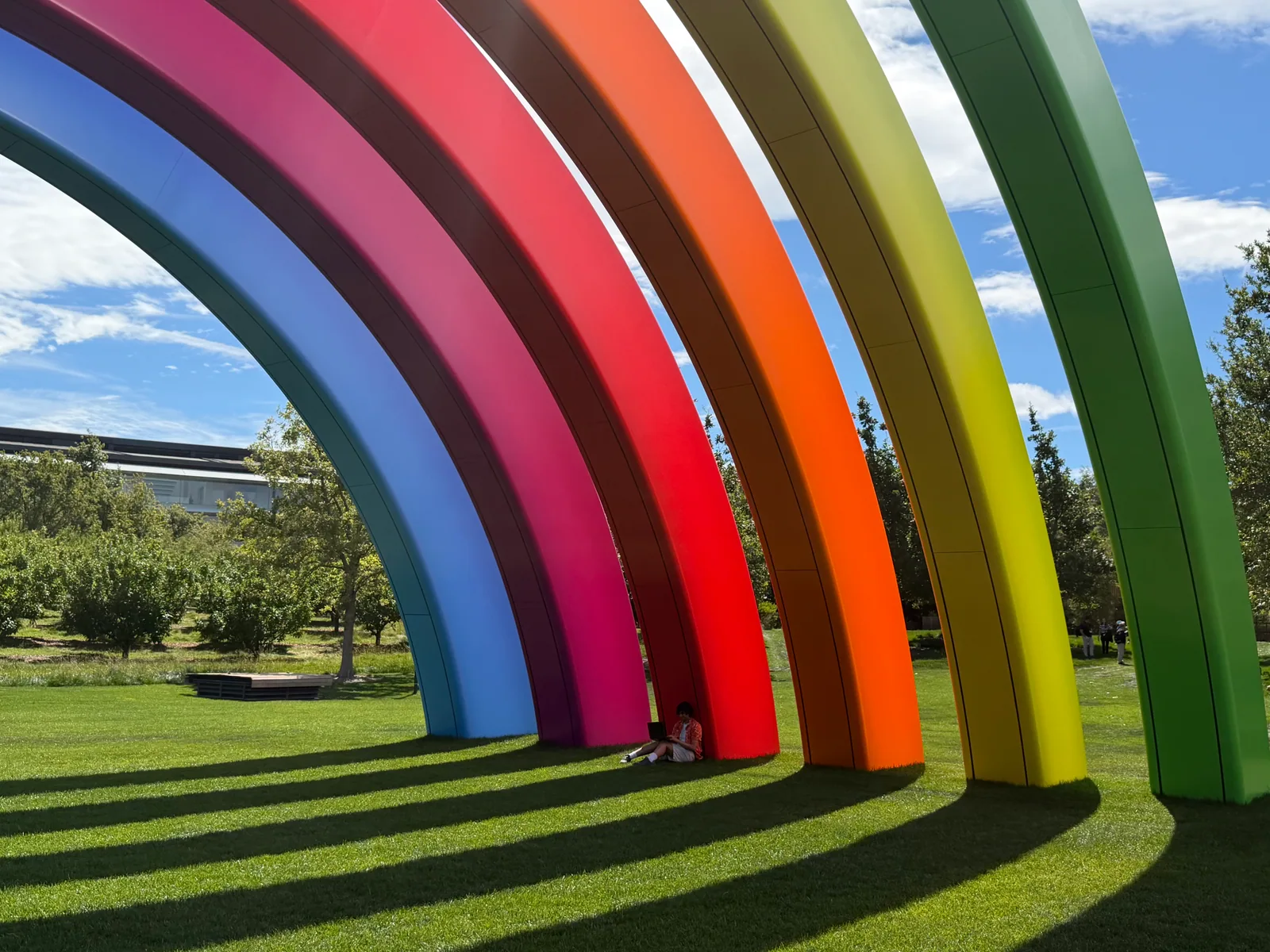
Fayaz standing on the grass in front of the rainbow sculpture in 2025
2025 / A moment by the rainbow.

2025 / Sharing the app

A small app.
A room full of possibilities.

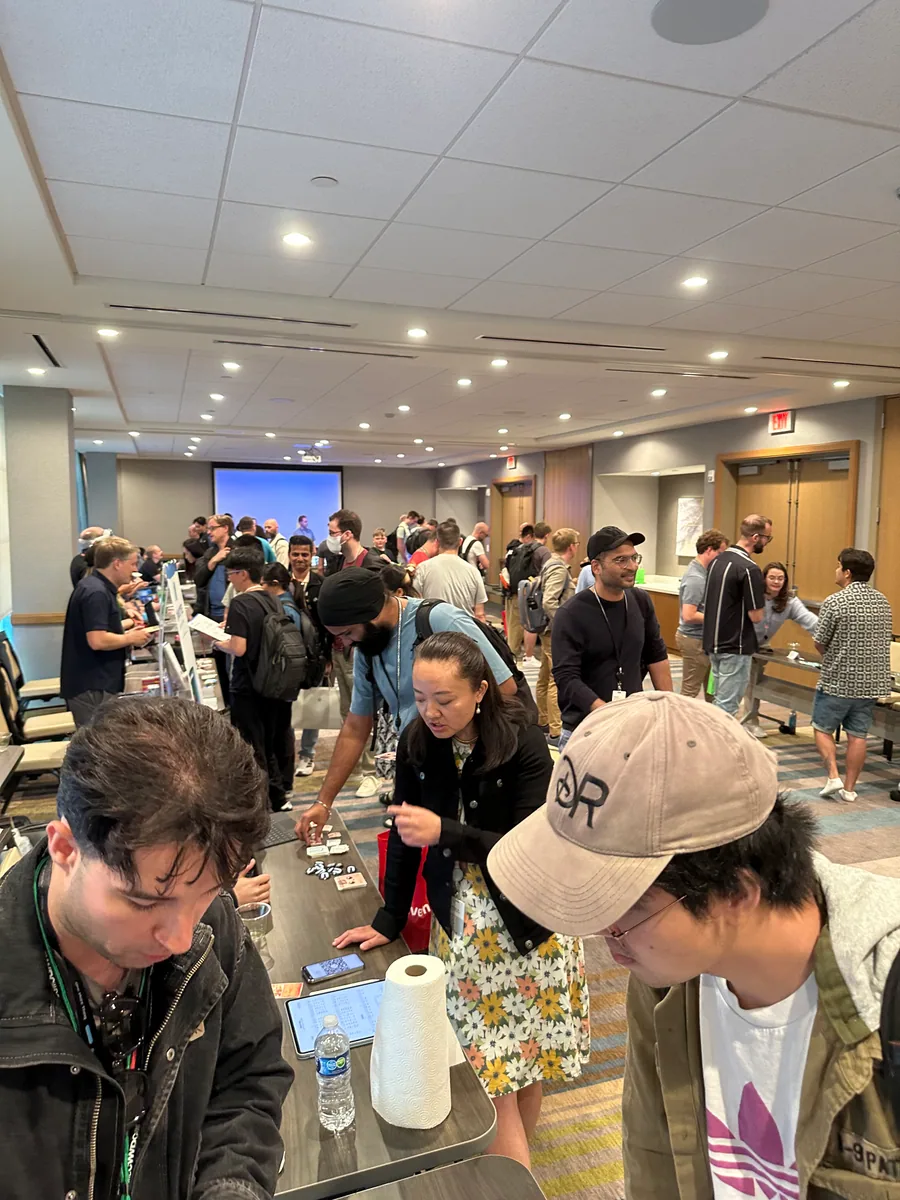
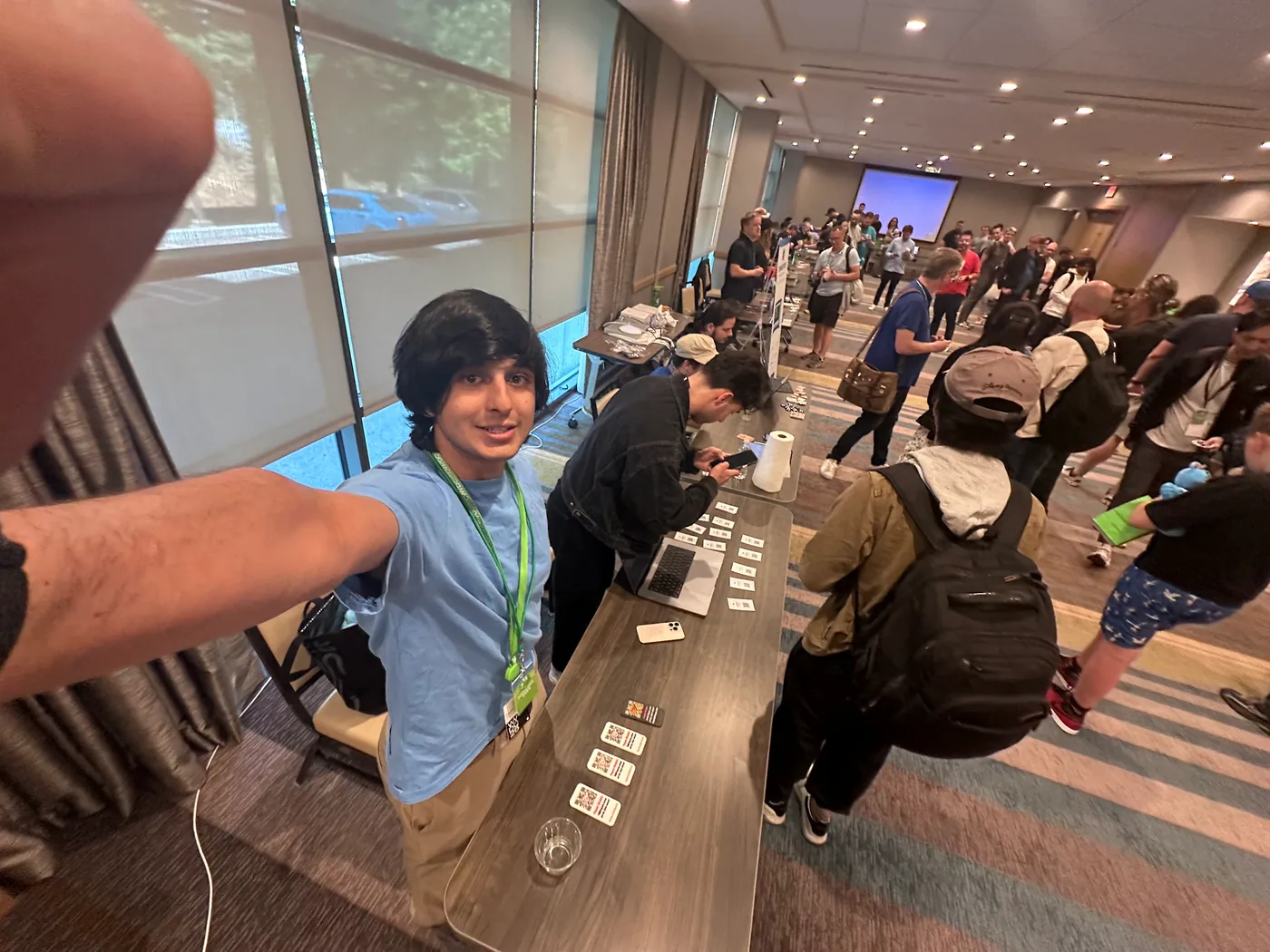
At the Indie App Fair, I demoed GyroCam and handed out little 3D-printed iPhones with GyroCam QR codes. A way to take a piece of the app home, and a reason to start a conversation.

Watch the early GyroCam demo

An earlier version of the app, not a demonstration of today's release. Opens on YouTube.
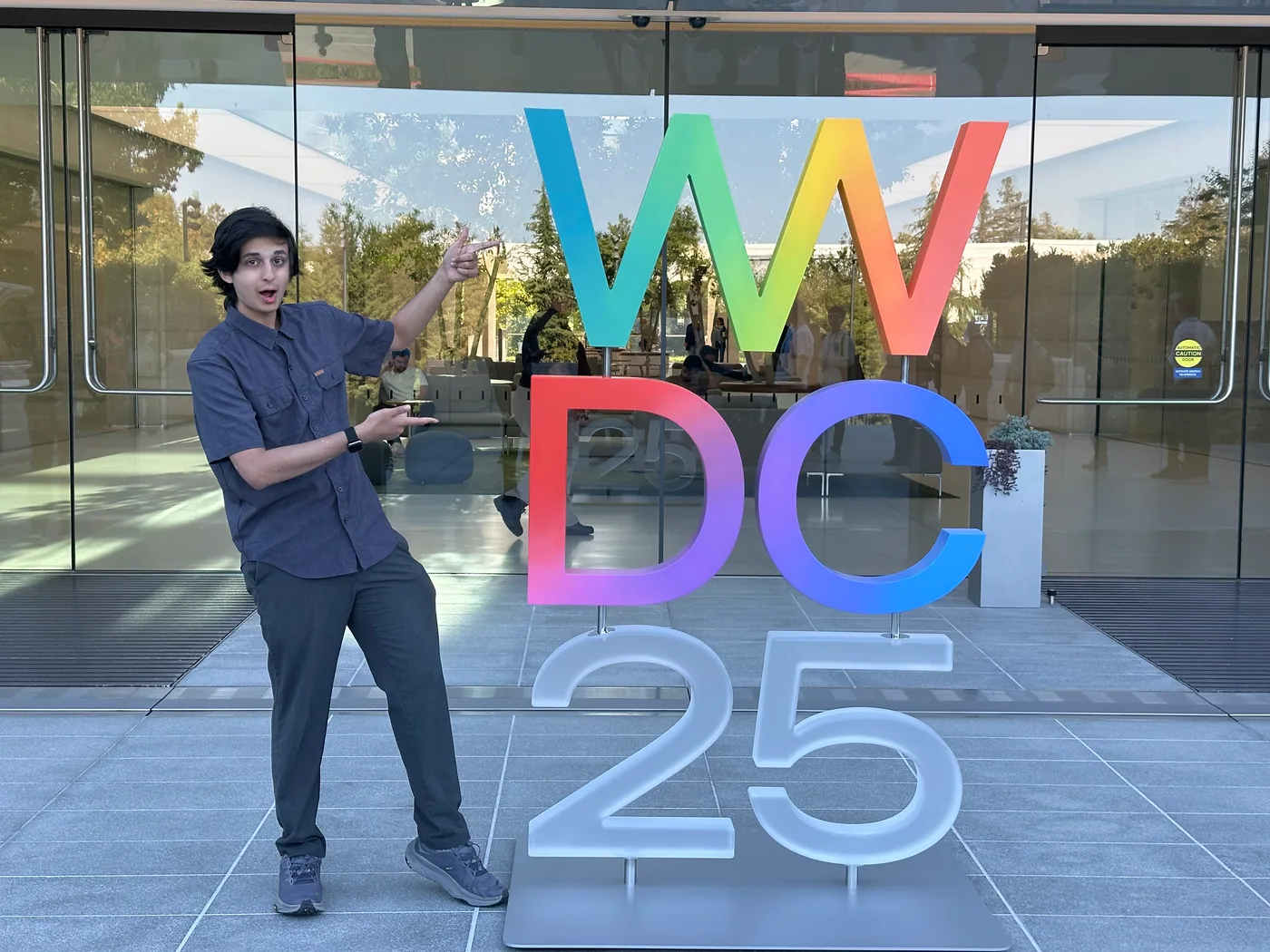
Fayaz standing beside the colorful WWDC25 sign
WWDC25 / The first of these two chapters.
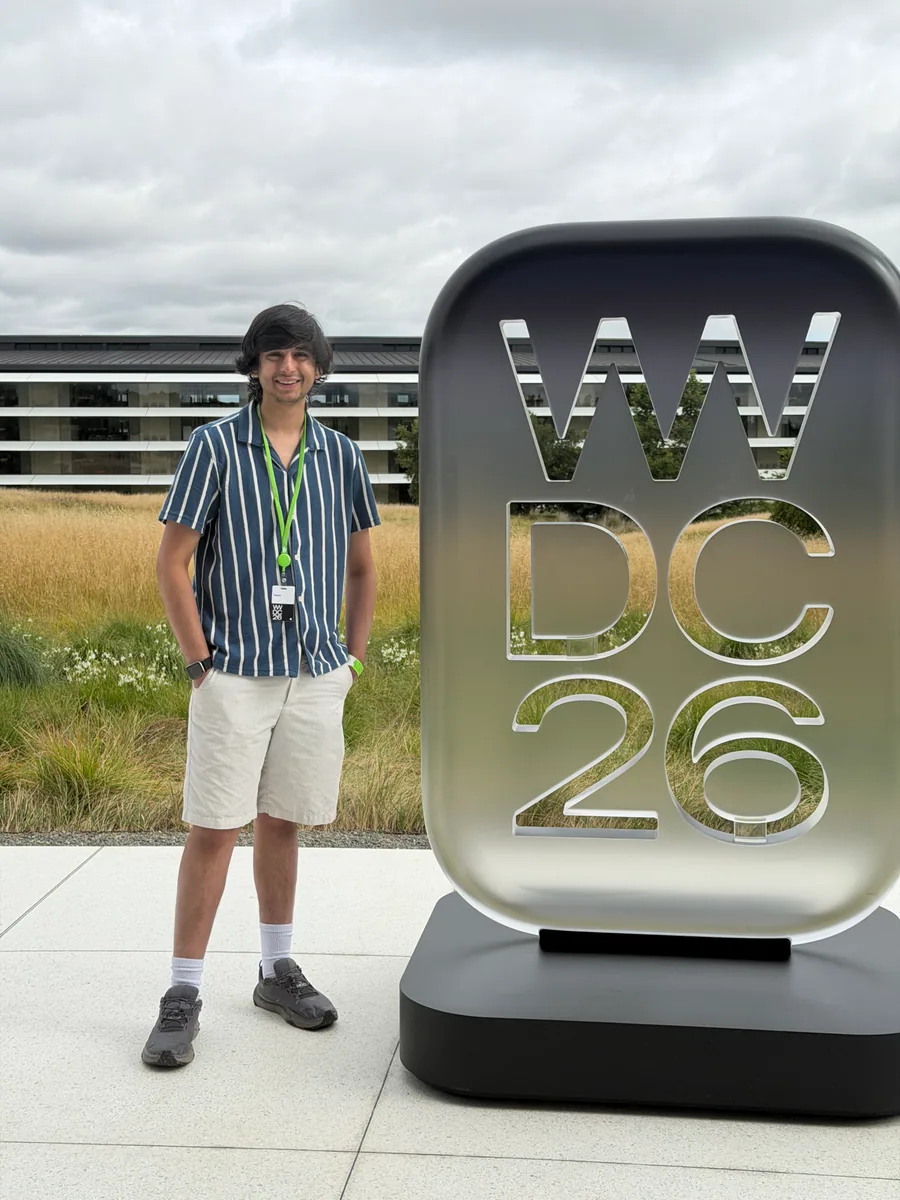
Fayaz standing beside the WWDC26 sign
WWDC26 / Back for more conversations.

2026 / Student Swift Stars

From a demo
to a conversation.

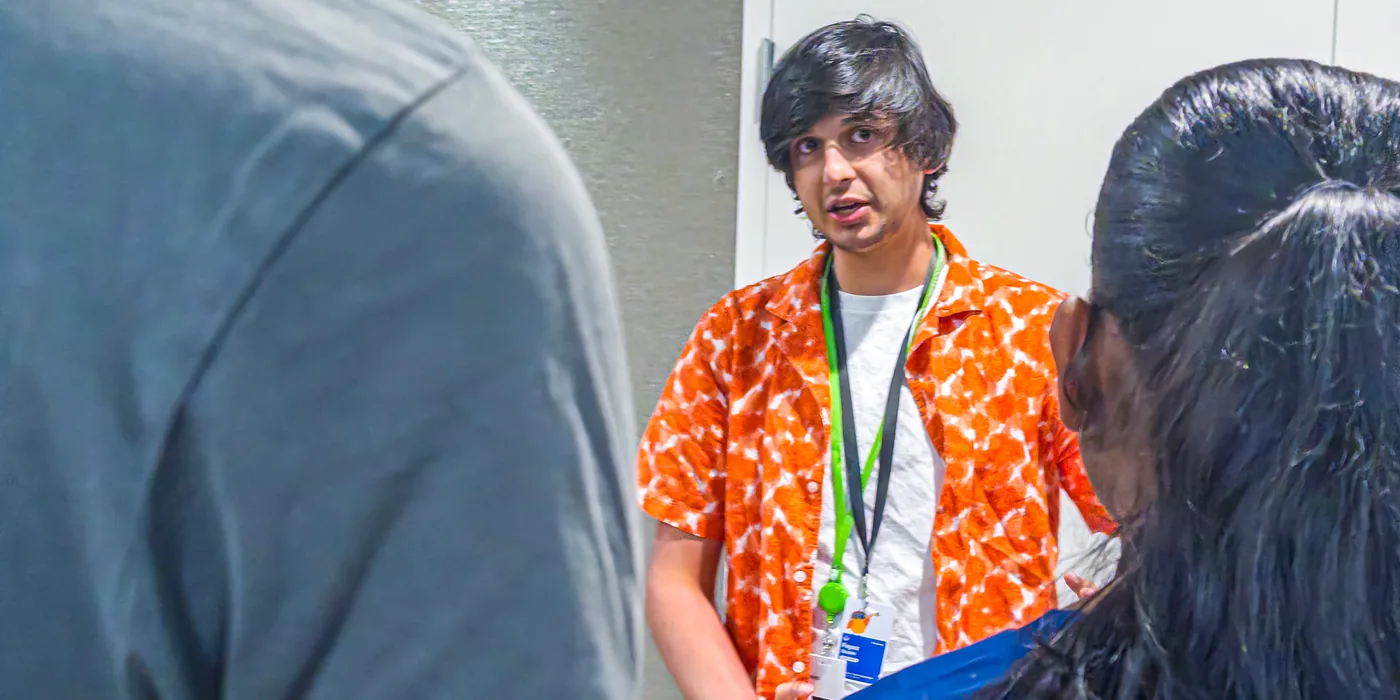
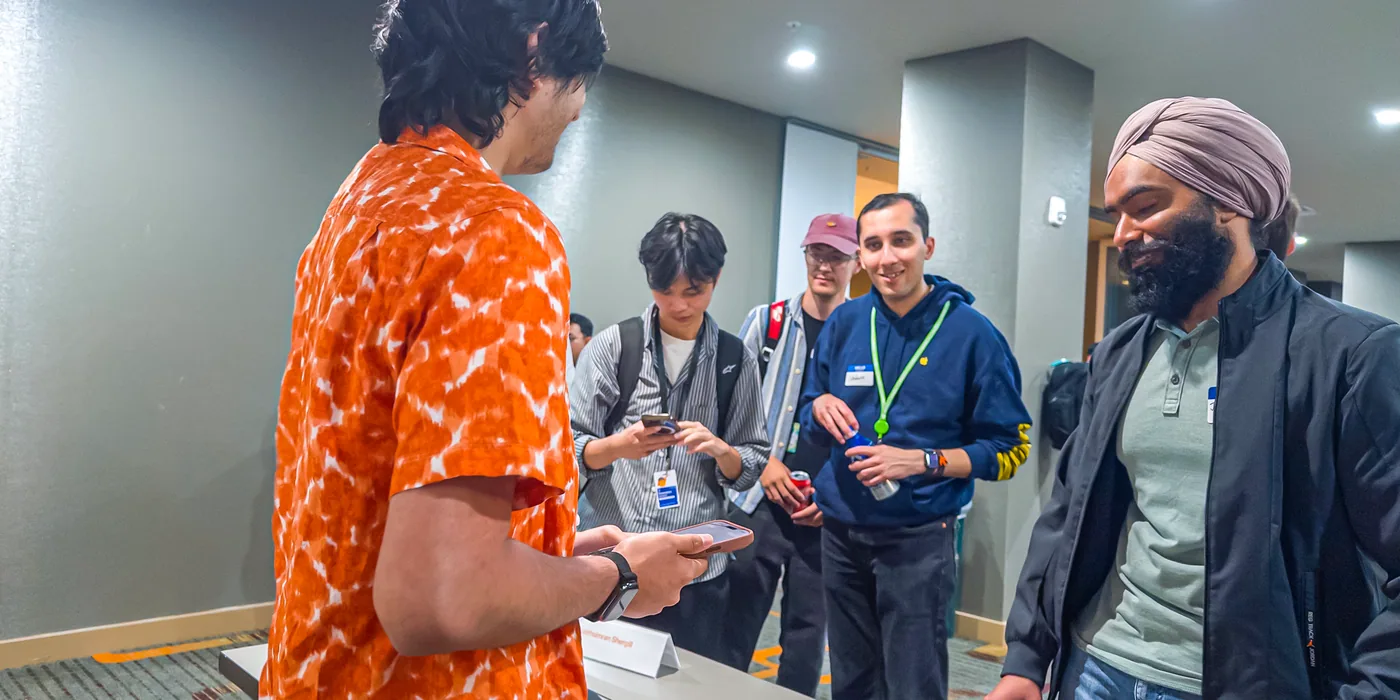
In 2026, I presented GyroCam at Student Swift Stars. These are a couple of moments from sharing the app with the people there.
Fayaz sitting beside the rainbow sculpture in 2026
2026 / Back by the rainbow. A different year, a different perspective.

The people along the way

Software brings us together.

A couple of the people I met in 2026 who supported me along the way. Thank you for the encouragement and for making space for developers like me.
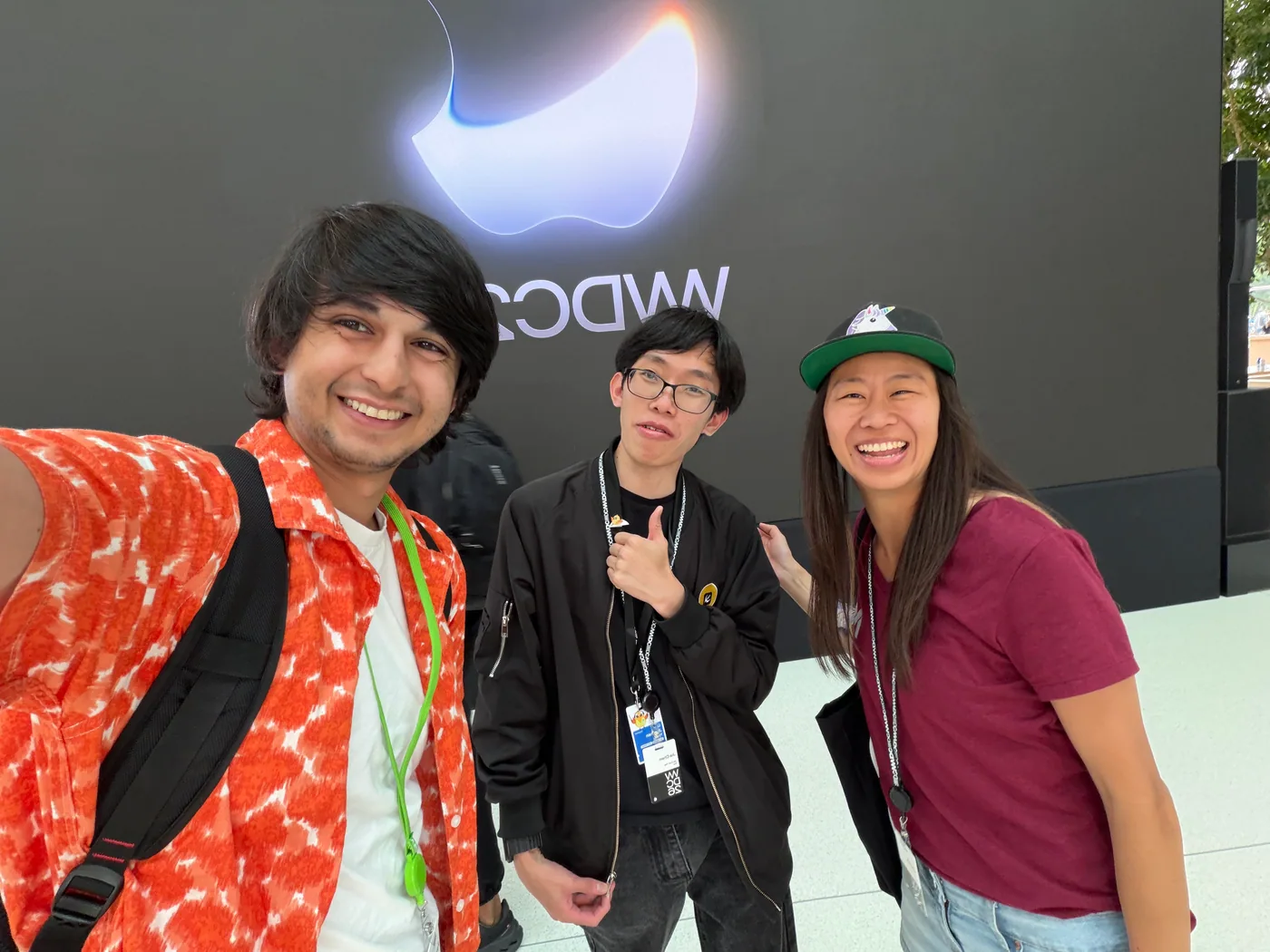
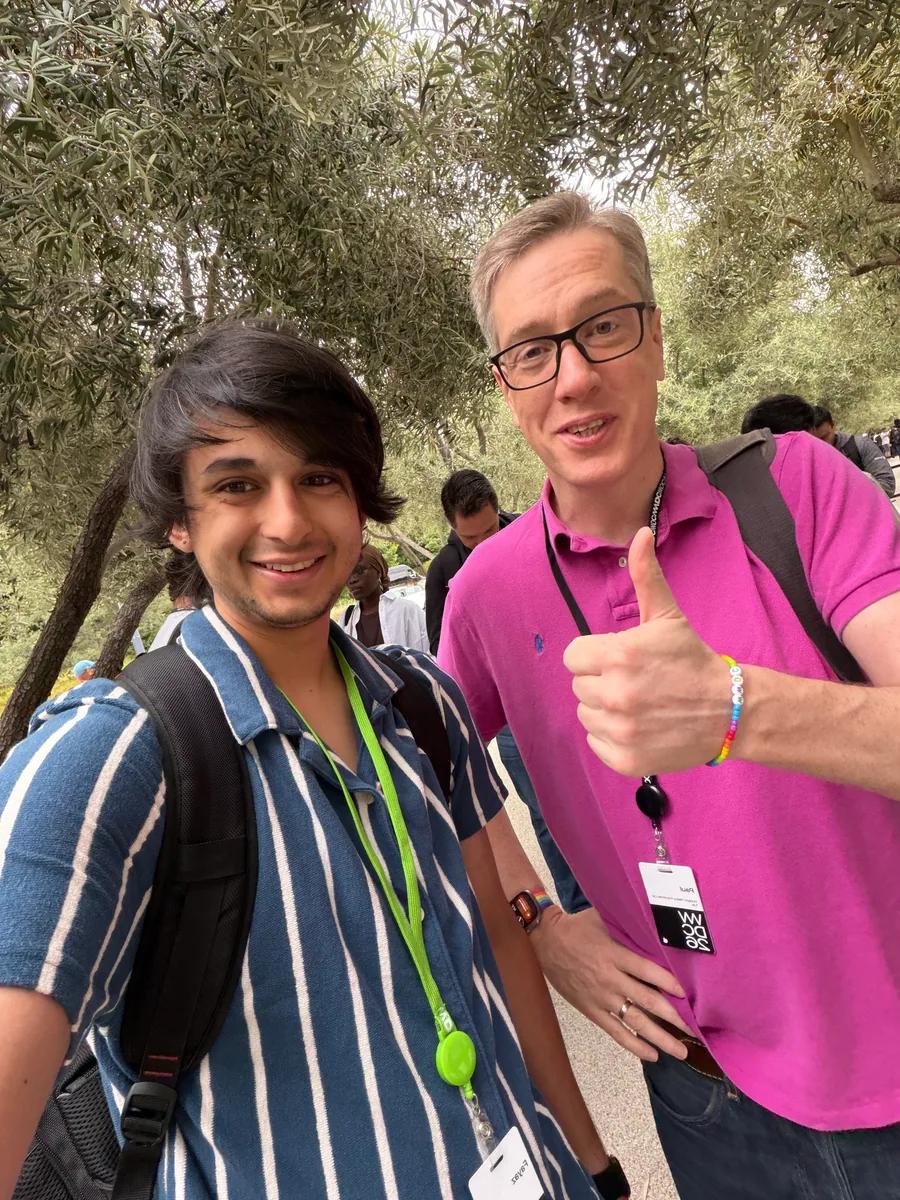
Still building. Still finding new perspectives.

Say hello

Your next perspective

See where it takes you.

View on the App Store See what's new